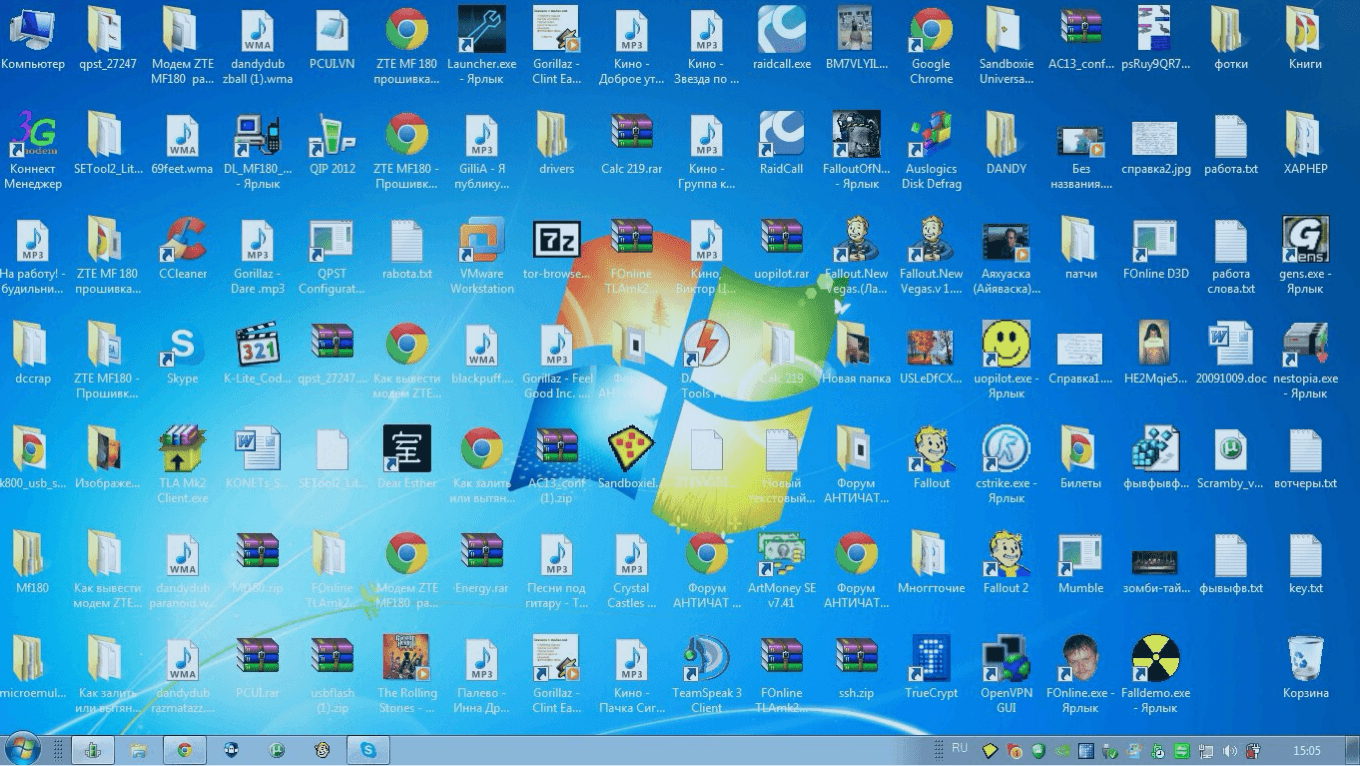
It happens quite often that home and office computers — and even servers — run out of free space. In this article we look at tools that help you quickly and conveniently sort out your storage.
There's a great free utility called WizTree — it shows what's taking up space on your hard drive in a convenient visual form. Here's what the interface looks like:
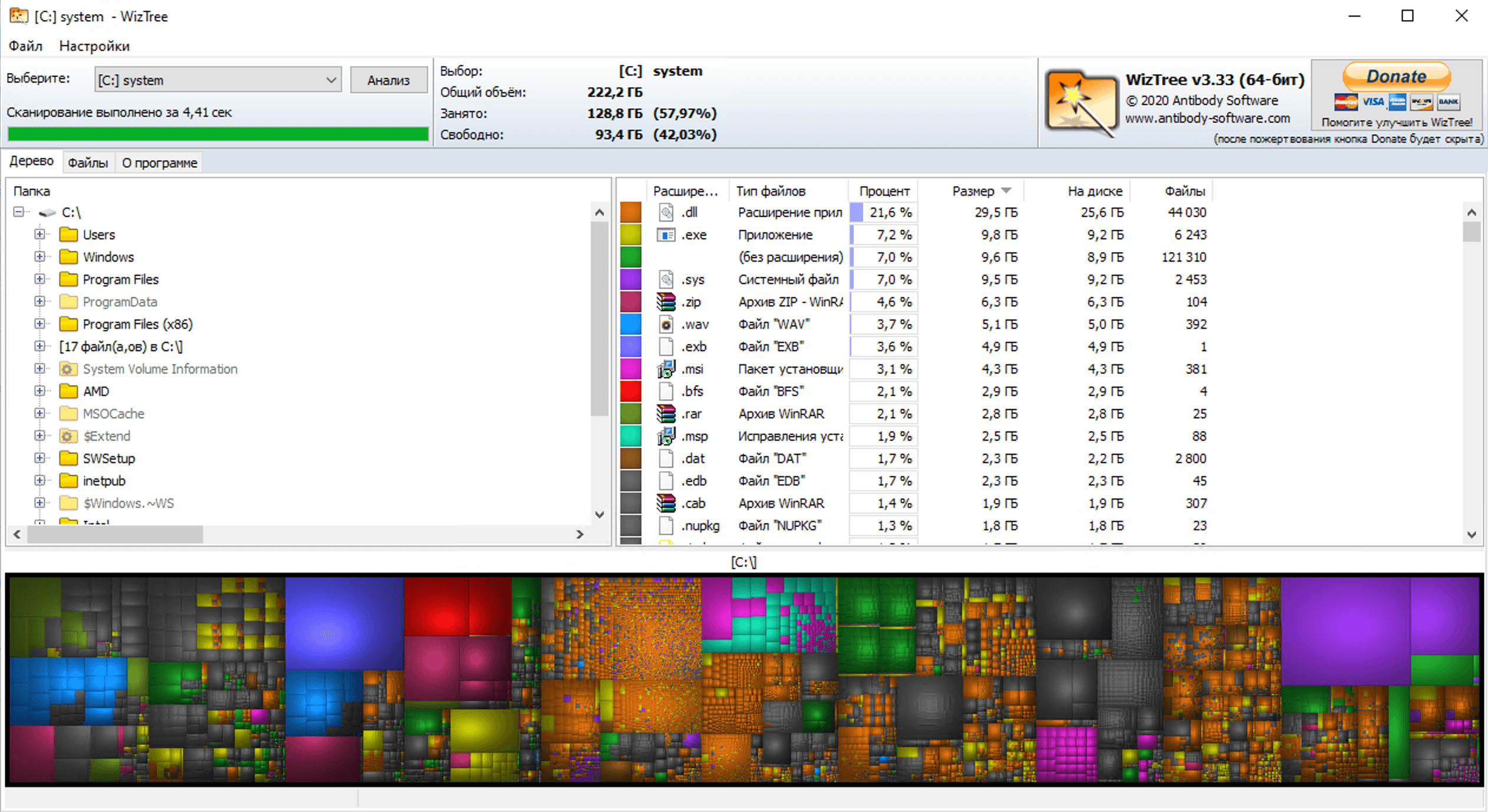
You can download WizTree here.
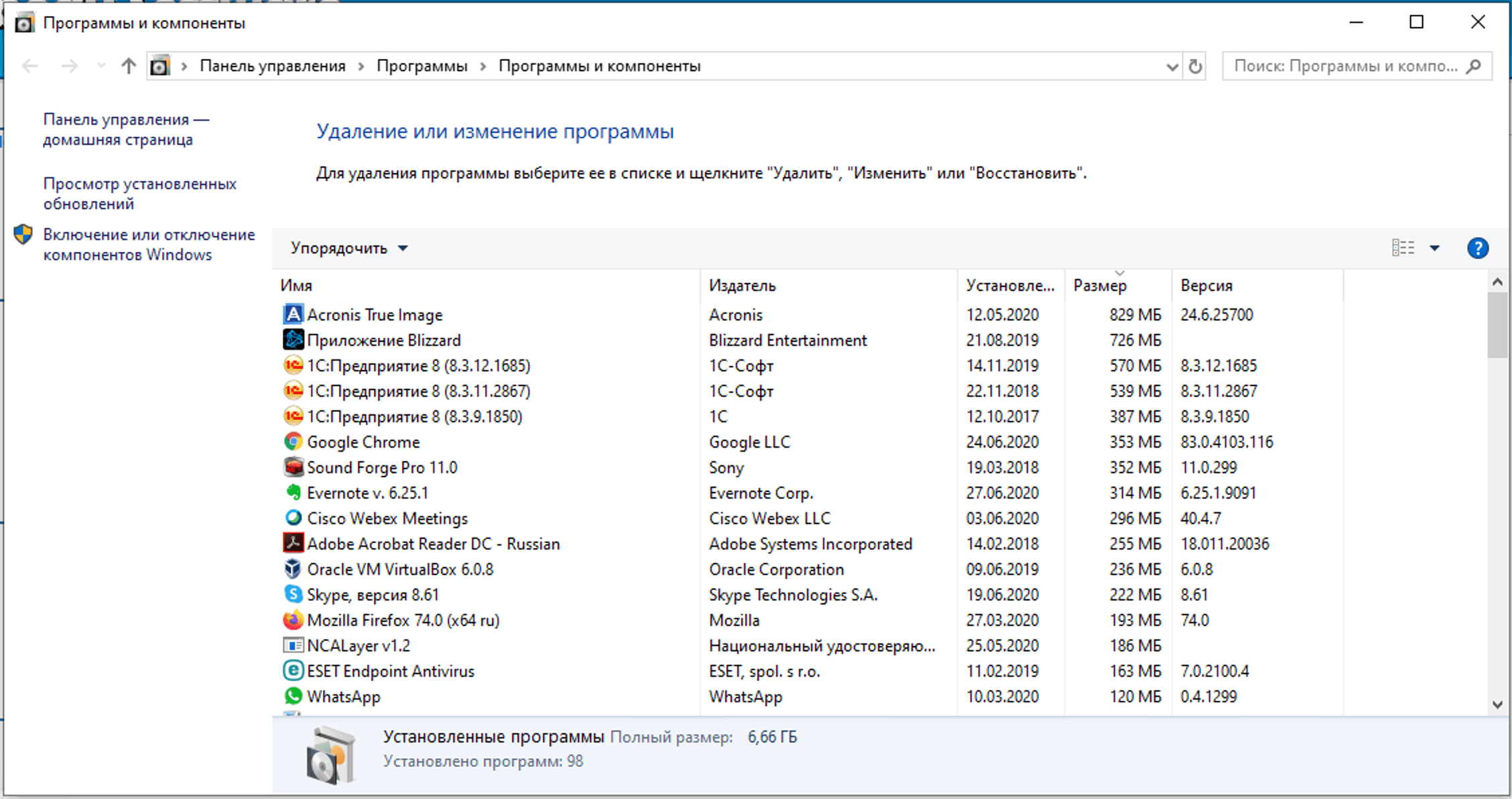
You can also free up space by uninstalling programs you don't need. Press Win + R (or "Start → Run") and type appwiz.cpl:
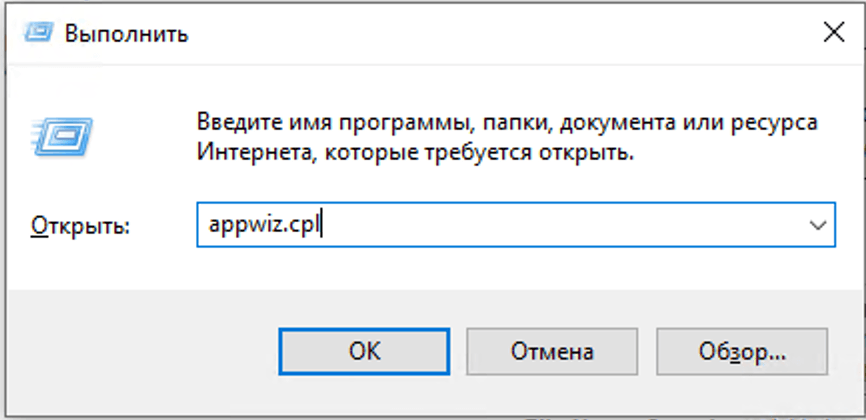
Or go to Control Panel → Programs → Programs and Features. In the window that opens, remove the programs you don't need:
Free consultation and same-day cost estimate
Message on WhatsAppYour request has been received, we'll be in touch shortly.